





What LinkedIn automation is actually safe?
The line is whether automation replaces a human interaction or supports one. Detecting a signal, enriching a contact, and scheduling content you already wrote all sit outside LinkedIn's interaction layer, so nothing about them behaves like a bot. Automated connection requests, automated DMs, scraping at volume from a logged-in session, and anything that emits identical messages at machine speed do the opposite — they impersonate you in the exact place LinkedIn watches. If a tool needs your password to log in and act as you, that is where the risk starts. The safe stack reads public data, enriches it, and hands a human something worth sending.
TL;DR
- The rule: Automate anything that supports a human interaction. Never automate anything that replaces one.
- The safe three: Signal detection, data enrichment, and post scheduling are safe because none of them act on another member.
- The ban list: Auto-connects, auto-comments, auto-DMs, scraping at scale, and auto-endorsements get accounts restricted within weeks.
- The payoff: Signal-based outreach replies at a far higher rate than cold pitching, so you send fewer messages and book more meetings.

What LinkedIn Actually Bans
Direct answer: LinkedIn restricts accounts for automated connection requests, automated comments and DMs, profile scraping at scale, and browser extensions that act on your behalf. The User Agreement prohibits bots and scraping, and LinkedIn publishes a help page on prohibited software and extensions. Detection, enrichment, and scheduling sit outside that list because they never act on another member.
That distinction is the whole article. Most people get restricted because they automated the wrong layer: the interaction instead of the preparation. So the useful question isn’t “is this tool safe?” It’s “what does this tool do on my behalf, and to whom?”
LinkedIn Is Winning the Automation War
LinkedIn’s anti-bot systems are better than the tools chasing them. They detect patterns that used to slip through. Identical intervals between actions. Scroll speed that never varies. Mouse paths that run in straight lines. Sessions that start and end on a schedule.
The result is a growing graveyard of ghosted accounts. Connections lost, messages stranded, an audience built over years gone in a morning. The worst part is that most of those users thought they were being careful.
This is the operating manual for staying on the right side of that line while still getting the compound returns. The evolution of the social selling stack shows how these tools moved from schedulers to signal detection.
The Golden Rule of LinkedIn Automation
There is one rule that decides whether a tool keeps your account safe or puts it on a countdown:
If automation replaces a human interaction, it’s risky. If it supports a human interaction, it’s safe.
This is the line LinkedIn draws algorithmically. Break it and your account is gone. Respect it and you can scale a social selling operation for years.
Apply that rule to every tool you pay for and the stack sorts itself into two piles.

What You Can Safely Automate
Signal detection
This is the highest-ROI automation available on LinkedIn. Signal detection tracks who views your profile, who engages with your posts, and who follows your company page, then surfaces those people as leads. The engagement signals that predict a warm buyer are the raw material of the whole system.
Why it’s safe: the automation is passive. It reads behavior LinkedIn already lets you see and writes nothing back. It’s a security camera, not a hand.
Data enrichment to your CRM
Once a signal lands, the next job is context. Enrichment tools such as Apollo pull public firmographic and role data, then match a work email. The record lands in your CRM next to the signal that created it.
Why it’s safe: you’re collecting data after the fact, not during an interaction. Nothing is sent to the person. Nothing touches their notifications. You’re building an intelligence layer that makes your next human message smarter.
Content scheduling
Publishing on a consistent cadence is table stakes. Native scheduling and approved API tools are safe because posts travel through LinkedIn’s own publishing channel. I keep the editorial calendar in Notion and turn top posts into short video with Descript. Neither tool logs into LinkedIn to act as me.
Why it’s safe: scheduling is a broadcast, not an interaction. Nobody receives a personalized message from a robot. They see content you wrote, published when you chose.

I run automation on LinkedIn every day. I’ve never let it send a connection request, a comment, or a DM.
The automation works before the interaction: detection, research, CRM enrichment. The interaction itself is always me, typing to one person.
That’s why I still have an account, and why a signal-based message replies at a rate cold outreach can’t approach.
What Will Get You Banned
These are the activities LinkedIn actively hunts. Each one replaces a human interaction with an automated one.
| Activity | Why it gets flagged | Typical time to restriction |
|---|---|---|
| Auto connection requests | Consistent timing between requests and a flat acceptance rate | 2-4 weeks |
| Auto comments on posts | Repetitive phrasing and post-interaction timing | 1-3 weeks |
| Auto DMs to new connections | Same message at consistent intervals after acceptance | Immediate on repeat |
| Profile scraping at scale | Volume of profile views with no human scroll pattern | 1-2 weeks |
| Auto endorsements | LinkedIn specifically monitors endorsement patterns | Warning, then restriction |
LinkedIn’s algorithms don’t separate good automation from bad automation. They detect the pattern and they act. Their transparency reporting shows how much enforcement volume runs through automated detection, and the numbers aren’t shrinking.
How LinkedIn Detects Automation
Knowing the detection surface tells you which knobs to leave alone. Four signals matter most.
Timing regularity. Interval variance between actions is measured down to the second. An automated sequence has almost none.
Session behavior. Scroll speed, dwell time, and pointer paths get compared against human baselines. Browser bots fail that comparison quickly.
Network patterns. Acceptance rate, reply rate, and member reports form a graph around your account. A spray-and-pray account looks nothing like a human one.
Client and device. Cookies, browser fingerprints, and the extension surface expose anything with permission to act inside your session.
Every one of those signals measures machine-like regularity. You can’t hide that regularity while running outreach at volume. So the only durable answer is to move the automation to the layer that touches nothing.
The Signal-Based Selling Framework
With the right automation in place, the daily workflow looks like this.
Building Your Automation Stack
A safe stack has three layers, and each layer has one job. Keep them separate and nothing in the system can act without you.
Layer 1: Signal detection
A detection tool collects profile visitor and follower data on a schedule and exports structured files, usually a CSV that lands at 6am. That export is your raw signal feed. It’s read-only, which is precisely why it’s safe.
Layer 2: CRM integration
An automation platform like Zapier or Make picks up the export, enriches each contact with public data, and deduplicates against open opportunities. Then it writes the record into your CRM with the signal attached. This is the intelligence layer, and it never speaks to a prospect.
Layer 3: Daily review
Every morning you open the CRM and read the new signals. You pick the strongest three to five accounts and write a message that could only have been written for that person. This is the only layer that requires a human, and it’s the layer that produces revenue.
The 15-minute daily signal review
Most people spend two or three hours a week on LinkedIn with no system and no memory of who they talked to. Signal-based selling takes 15 minutes a day: open the CRM, scan new signals, send three to five personalized messages. The automation handles the rest.
A Worked Week of Signal-Based Outreach
Abstract frameworks are easy to nod at and hard to run. So here is the math on a modest account, with the assumptions stated so you can swap in your own numbers.
| Step | Volume in one week | Time cost |
|---|---|---|
| Signals captured (views, likes, follows) | 80 to 120 | Zero, runs on a schedule |
| Records enriched and deduped in CRM | All of them | Zero, runs on a schedule |
| Signals worth a human look | 15 to 25 | 5 minutes a day |
| Messages written and sent by hand | 15 to 20 | 10 minutes a day |
| Replies that turn into a conversation | Depends on your offer and relevance | Your calendar |
Twenty hand-written messages a week beats two hundred automated ones, because the twenty arrive with context. At 10 minutes a day that’s under two hours of selling a week, against the 2,000-word sequences most teams burn a quarter building. The recipient can feel the difference in the first line, and so can LinkedIn’s systems, which have nothing to fingerprint.
Why Signal-Based Outreach Beats Cold Outreach
In my own outbound, a cold connection note with a pitch attached replies in the low single digits. A message that opens with the specific signal that triggered it replies many times more often. I won’t hand you a precise multiplier, because it moves with offer, market, and how good your first line is. The direction never moves.
The reason is mechanical. A cold message asks someone to care about a stranger. A signal message proves you already noticed them. One of those is a request and the other is a receipt.
There is a catch, and it’s the reason most teams fail at this. Detection at volume is what generates enough signals to work, and detection at volume requires automation. That’s the loop: automate the reading so you can personalize the writing.
Koka’s Take: The Line I Will Not Cross
I’ve been selling on LinkedIn since before the feed had an algorithm worth gaming. I’ve watched three waves of automation tools arrive. Every wave produced the same two groups: operators who used tools to find better conversations, and operators who used them to avoid conversations entirely.
The second group always wins first, and always loses eventually. Their pipeline looks incredible for two quarters. Then the account disappears, the domain reputation goes with it, and the founder is asking why the channel that carried the company stopped working.
My position is unfashionable and I will keep it. The tool isn’t the strategy. A detection layer is worth money because it finds people who already raised a hand. A DM robot is worth nothing because it manufactures a hand raise that never happened, and the person on the other end can tell. The companies I see compounding are the ones that treat automation as research staff, not as a salesperson.
If you take one thing from this article, take the uncomfortable version: the reason automated outreach works for a while is that it exploits attention. The reason it fails is that it spends trust, and trust doesn’t refill on a schedule. That’s also why the dark funnel matters more than your send volume. Most of the buying decision happens before anyone replies to you.
Common Objections
“Other people automate everything and they’re fine”
They aren’t fine. They haven’t been caught yet. LinkedIn enforces in waves, and the waves catch the highest-volume accounts first. The outreach-heavy accounts you admire today are usually gone within a couple of months.
“I need scale. I can’t send messages by hand”
You don’t need more messages. You need better targeting. When a meaningful share of your messages get a reply, the volume problem disappears. A full calendar doesn’t require a blast into a full inbox. Run the math before you buy the tool.
“Scheduling is automation too. Is that risky?”
Not when the post travels through LinkedIn’s own publishing channel. The risk starts with tools that log into your account, keep a live session, and click in a browser that’s pretending to be you. Scheduling publishes content. Browser bots perform actions.
“What about AI writing my messages?”
Use AI to draft, never to send. A model is excellent at turning your notes into a first line that sounds like you. It’s terrible at knowing whether the signal is real. Keep the judgment and the send button on your side of the line.
FAQ
Does LinkedIn ban accounts for using automation tools? It bans accounts for automation that acts on other members: connection requests, comments, DMs, and scraping. Read-only tools that analyze data you can already see fall outside the prohibited software list.
Is Sales Navigator automation allowed? Sales Navigator is a research interface, and automating clicks inside it still violates the User Agreement. Exporting a list you built by hand and enriching it outside LinkedIn is a different activity.
How many connection requests per day are safe? There is no published safe number, and that’s the point: any fixed daily volume you can automate is a pattern. Send only to people whose signal you can name, and you will naturally stay under any threshold.
Can I automate follow-up messages? Not the sending. Automate the reminder that tells you who to follow up with and what they last engaged with, then write the message yourself.
What should I do if my account gets restricted? Stop every automated action immediately, remove browser extensions that touch LinkedIn, complete the identity verification LinkedIn asks for, and rebuild on detection-only for 30 days. Repeat offenses escalate.
What is the safest first automation to buy? A signal detection tool. It’s the only layer that produces revenue input without producing risk, and it tells you whether the rest of the stack is worth building. The full workflow sits inside the Social Selling OS if you want the end-to-end version.
The Bottom Line
LinkedIn automation isn’t going away. What is going away is unsophisticated automation that replaces human interaction. The accounts that survive will be the ones where tools feed better conversations instead of faking them.
The rule has not changed: automate detection, enrichment, and scheduling. Keep every interaction human. That’s how you scale a LinkedIn presence without gambling with the account that holds it. If you’re running automated outreach right now, stop this week. Strip the stack back to detection-only for 30 days and watch what happens to your reply rate.
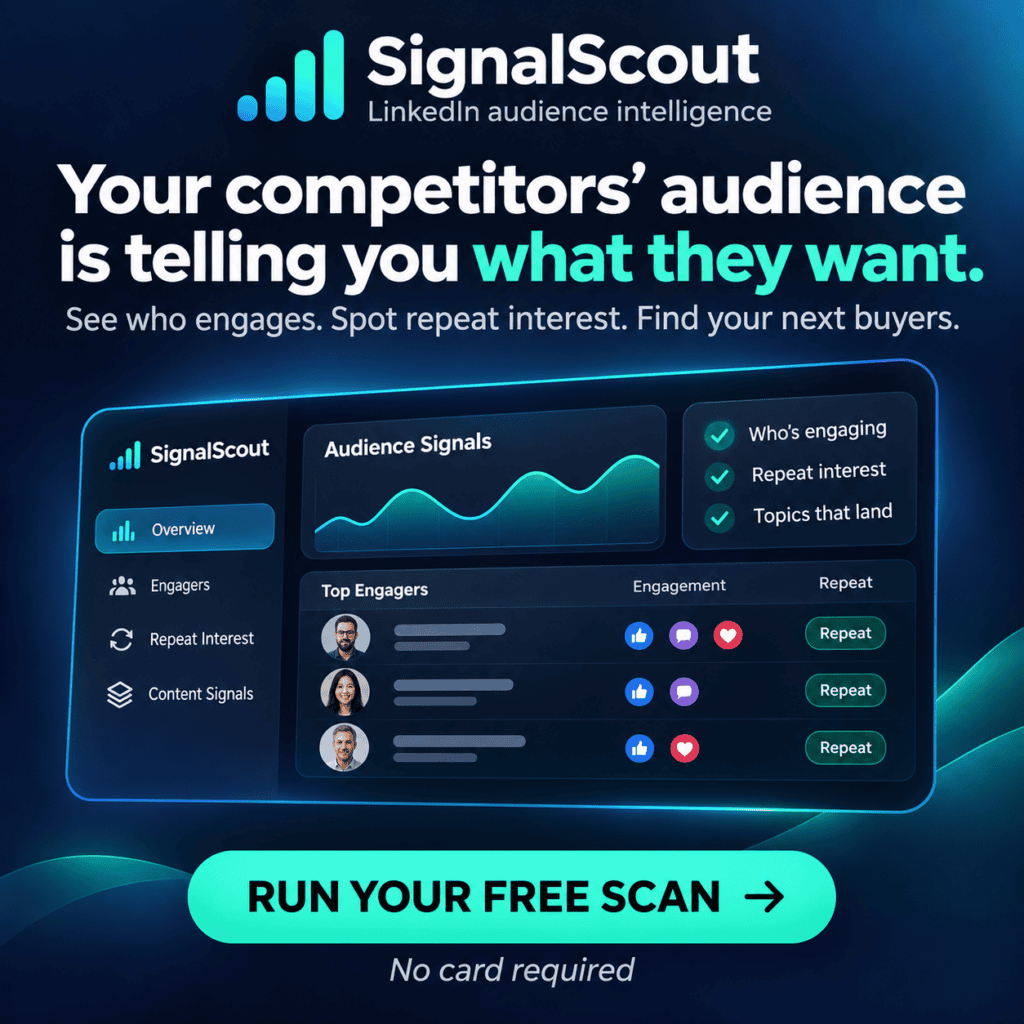
Want to see signal-based prospecting without risking your account? Try SignalScout, which captures engagement signals from publicly available data. For help architecting the safe version of this stack, book a strategy session. If you’re still deciding what to build first, the content engineering system shows how the publishing side feeds detection.
Common questions
Will LinkedIn restrict my account for using automation tools?
Not for using tools — for the behavior they produce. Account restrictions follow volume spikes, identical messages, connection-request bursts and access patterns that look automated from a logged-in session. A tool that never touches your session cannot get you restricted by itself. A tool that drives your session can, and quickly.
Can I scrape LinkedIn for prospecting?
Public profile and public engagement data is one thing; scraping at volume from a logged-in session is another. The first reads what anyone can see and carries no session risk. The second acts like you, at machine speed, inside the surface LinkedIn monitors — which is the behavior that leads to limits. Collect what is already public, then enrich it elsewhere.
What should I automate first?
Signal detection and enrichment, because both happen before any human contact and neither touches the interaction layer. Find who engaged, enrich them to a CRM-ready record, and stop there. The moment a machine sends the message, you have moved from supporting a conversation to simulating one.